Use It or Lose It: Smart Ways to Spend Year-End Budget on A/V
For many corporate and government organizations, the fiscal calendar ends in December. Any money left in the audiovisual budget may disappear on January 1, and the approval for next year's budget is not guaranteed to be as generous. The result is a familiar scramble: a few weeks to decide what to buy, get it approved, and have it installed.
The pressure is real, but it does not have to lead to rushed or wasteful purchases. The key is to focus on spending that solves a genuine problem, can be completed quickly, and delivers value long after the new year begins. Here is how to think about it.
Start With the Calendar, Not the Catalog
Before you pick equipment, find out which deadlines actually apply to you.
Know your cutoff. Is the deadline for submitting a purchase order, for receiving goods, or for completing the work? These are often different dates, and your finance or procurement team can tell you which one counts.
Check what qualifies. Some organizations can pay for equipment or services this year even when installation happens in January, while others cannot. Ask before you plan around it.
Account for lead times. Equipment availability and installer schedules both tighten in the last weeks of the year. A project that could be finished in one day may still wait weeks for parts or a crew.
Follow your purchasing rules. Government buyers in particular may need quotes, competitive bids, or purchases through approved contracts. Starting early leaves room for the paperwork.
The practical takeaway is simple: if you plan to spend before year-end, begin conversations in November, not December.
Quick-to-Buy, Quick-to-Install Ideas
The best year-end projects are focused, well-defined, and low in risk. Here are categories that tend to fit.
1. Conference Room and Hybrid Meeting Upgrades
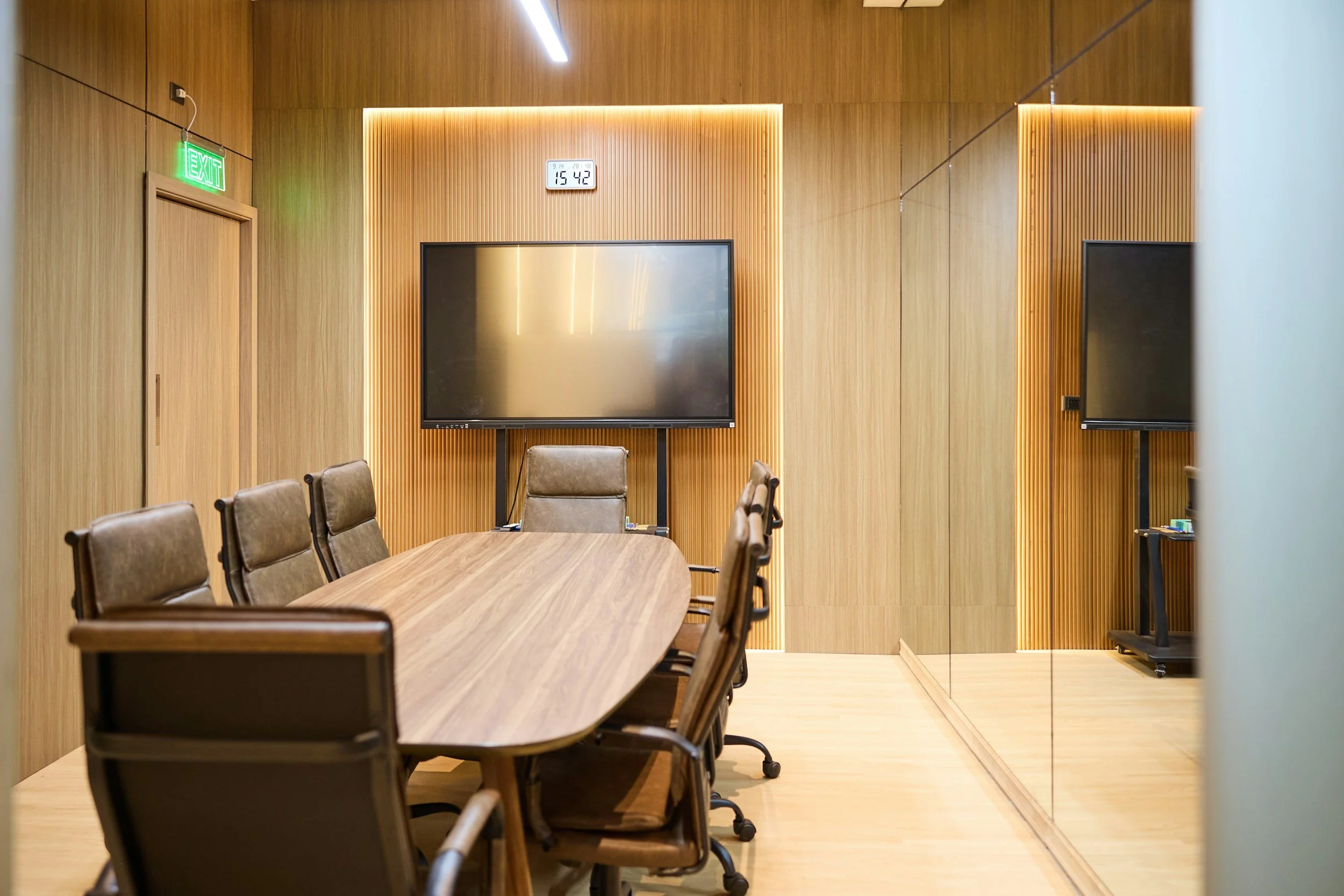
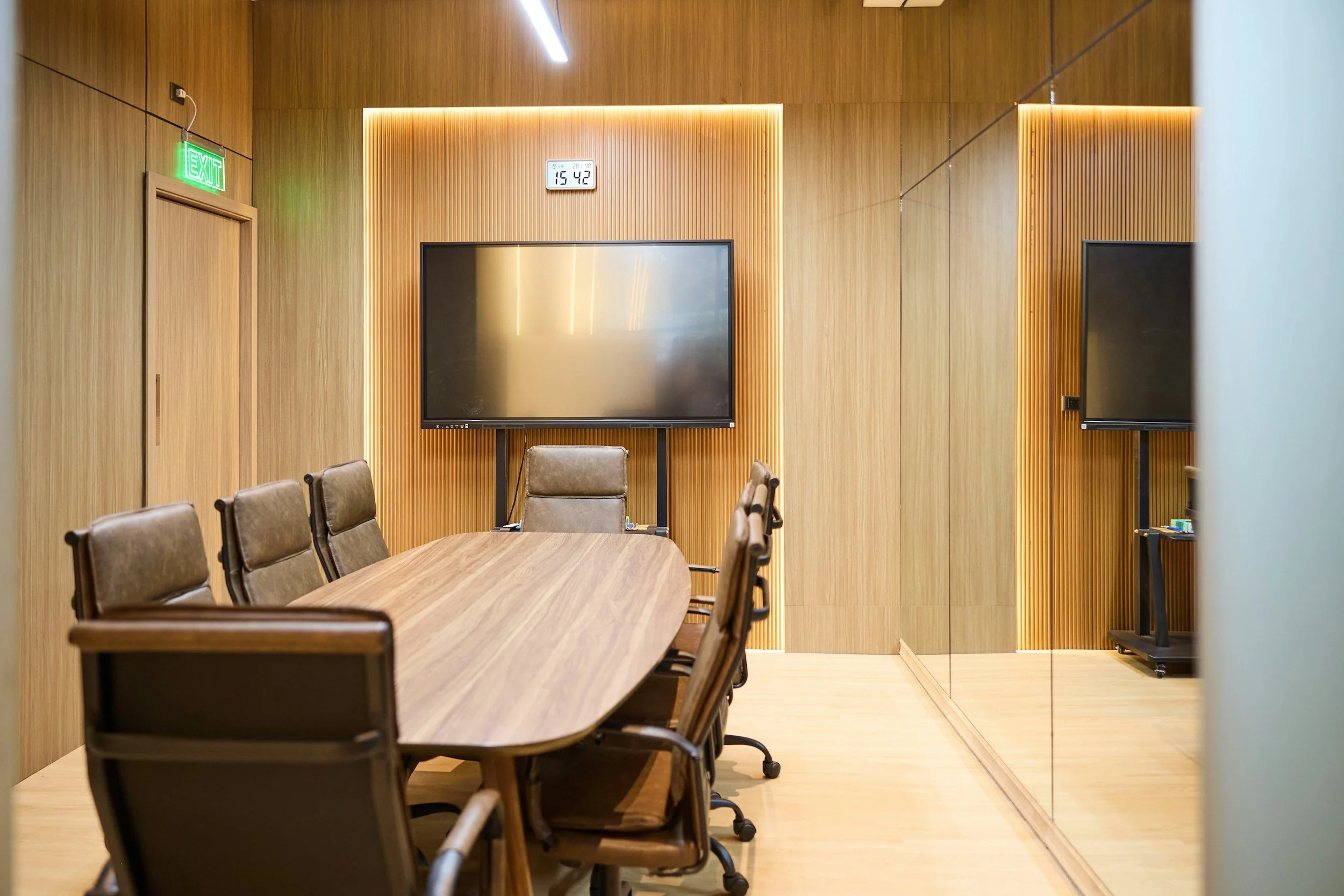
If your teams struggle with echo, poor camera views, or audio dropouts during video calls, a single room can often be improved with a standardized package of a camera, microphones, speakers, and a simple control interface. Rooms of similar size can share the same design, which makes ordering and installing faster.
2. Microphones, Batteries, and Wireless Replacements
If you rely on wireless microphones for training rooms, council chambers, boardrooms, or town halls, aging equipment and unreliable batteries are common weak points. Replacing worn microphones and adding spares is a straightforward purchase that quickly improves reliability.
3. Assistive Listening Systems
Public meeting spaces and corporate training rooms benefit from assistive listening systems that help people with hearing loss follow what is being said. They can often be installed quickly, and they support accessibility goals.
4. Digital Signage and Display Refreshes
Wayfinding, announcements, and room scheduling displays can be updated without major construction. Replacing failing displays or media players is typically a fast project, and it improves the first impression visitors have of your facility.
5. Audio Tuning and System Optimization
Sometimes the equipment is fine, but the system is not set up well. Professional tuning of a digital signal processor, speaker adjustments, and microphone configuration can make a major difference in clarity without buying much new hardware.
6. Cable, Rack, and Infrastructure Cleanup
Disorganized racks and damaged cabling are a common reason for intermittent problems. Cleaning, labeling, and replacing worn infrastructure is not glamorous, but it makes future maintenance faster and cheaper.
7. Spare Parts and Critical Backups
If one failed amplifier, wireless receiver, or display would disrupt an important room, keeping a spare on hand protects your operations.
Spending That Protects Next Year's Budget
Not every smart year-end expense is a piece of equipment. Some of the most valuable choices set up the next twelve months.
System assessments and audits. A professional review of your rooms and equipment can produce a prioritized list of what needs attention, with estimated costs. It gives you a stronger foundation for next year's budget request.
Design work for a larger project. If you know a major upgrade is coming, funding the design and planning phase now can shorten the timeline when the full project is approved.
Service and maintenance agreements. Preventive maintenance reduces emergency repairs and unplanned downtime. Ask whether your organization can pay for it in this fiscal year.
Training. Staff who know how to operate the systems get more out of them, and fewer problems turn into service calls.
What to Avoid
Year-end urgency can lead to avoidable mistakes.
Buying equipment without a plan for installing it. A box in a closet does not solve anything.
Choosing products only because they fit the remaining budget. Make sure each purchase addresses an actual need.
Mixing incompatible gear. New equipment should work with what you already own, and with the platforms your teams use for video and conferencing.
Waiting for a perfect solution. A focused, achievable project this year is better than an ambitious one that does not get approved in time.
A Quick Decision Checklist
Before committing funds, ask:
Does this solve a documented problem, such as complaints, failures, or accessibility needs?
Can it be purchased, delivered, and installed within our timeline?
Will it work with our existing systems?
Does it reduce future costs or risk?
Does it satisfy our procurement requirements?
If the answer to most of these is yes, it is likely a good use of end-of-year funds.
Let's Make the Most of the Time Left
Infinity Sound designs, installs, and services audio, video, and lighting systems for corporate and government clients across Dallas, Fort Worth, and Texas. If you have remaining budget and a short window, our team can help you identify the highest-value projects, provide the documentation your purchasing process requires, and schedule work before the deadline.
Contact us at (972) 206-0001 or service@infinity-sound.com to start the conversation while there is still time.